
The control hub.
The Launcher is LIVEX's orchestration layer. It does not simulate, analyse or render: it coordinates SYNE, ECHOS and PRISM from a single interface.
In development Target version 0.1.0 · Avalonia desktop application
In development: the main interface flows are present in the repository; variants and full validation remain open. No public distribution to date.
Coordinate, without deciding in place of components.
The Launcher allows you to drive, combine, monitor and archive work carried out with SYNE, ECHOS and PRISM, from a single interface and a single data format. It contains neither the simulation logic (SYNE), nor the analysis logic (ECHOS), nor the rendering logic (PRISM): it only coordinates them.
SYNE remains the single engine. ECHOS and PRISM are two ways of using that engine, of equal weight and selectable: ECHOS for analysis, reproducibility and calibration; PRISM for real-time representation. The Launcher allows them to be activated separately or together, without introducing a hierarchy between them.
The Launcher is a component of equal weight to the other three: it has its own data model and invariants, and remains independent. Removing it must not render any other component unusable.
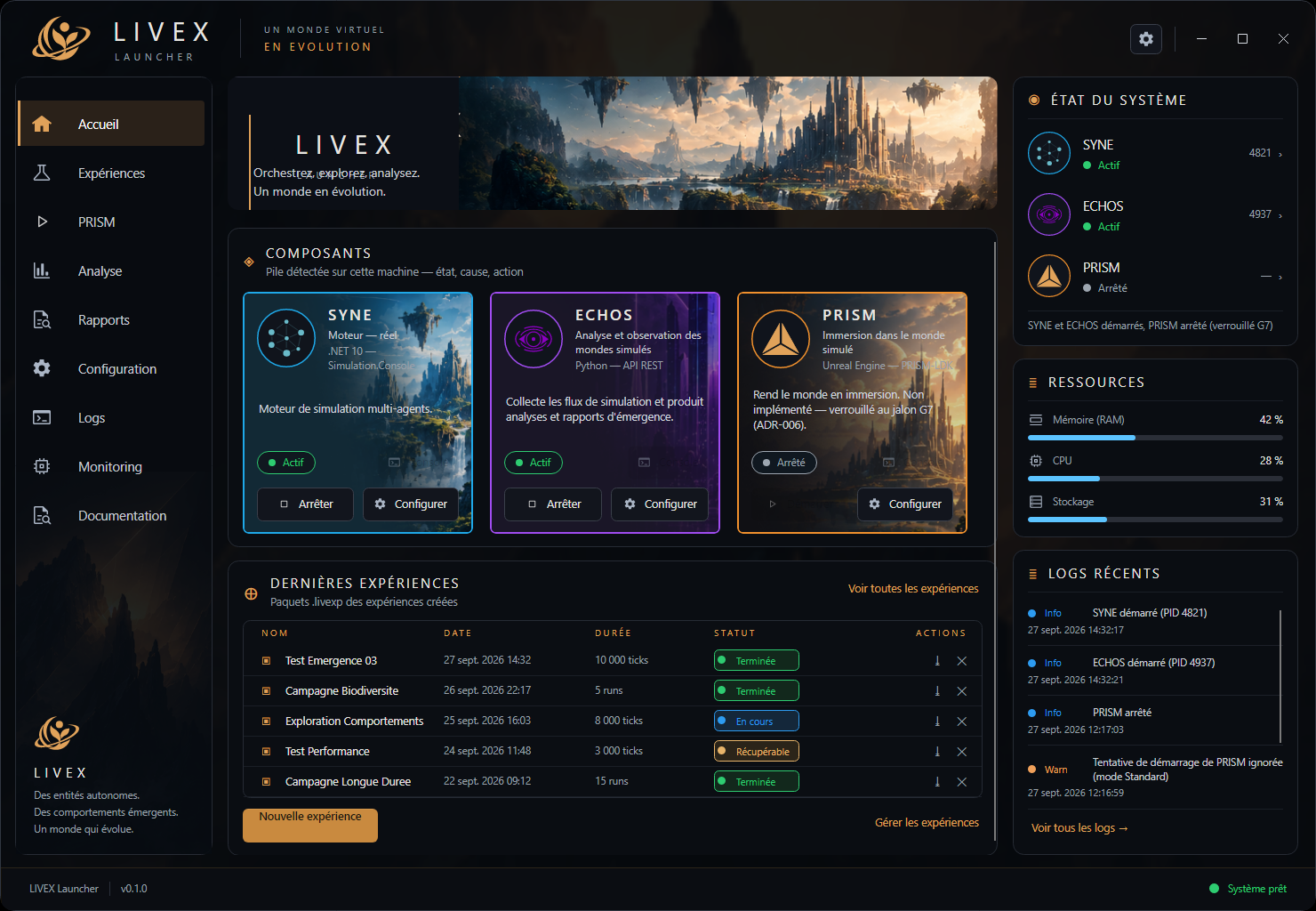
One session, from launch to archive.
Drive
Start, combine and stop components; check their status and health.
Organise
Group runs into campaigns, in a single package format (.livexp).
Observe
Display measurements produced by ECHOS, without recalculating them (display does not modify the world).
Contextualise
Open a PRISM rendering session when available, in parallel with analysis.
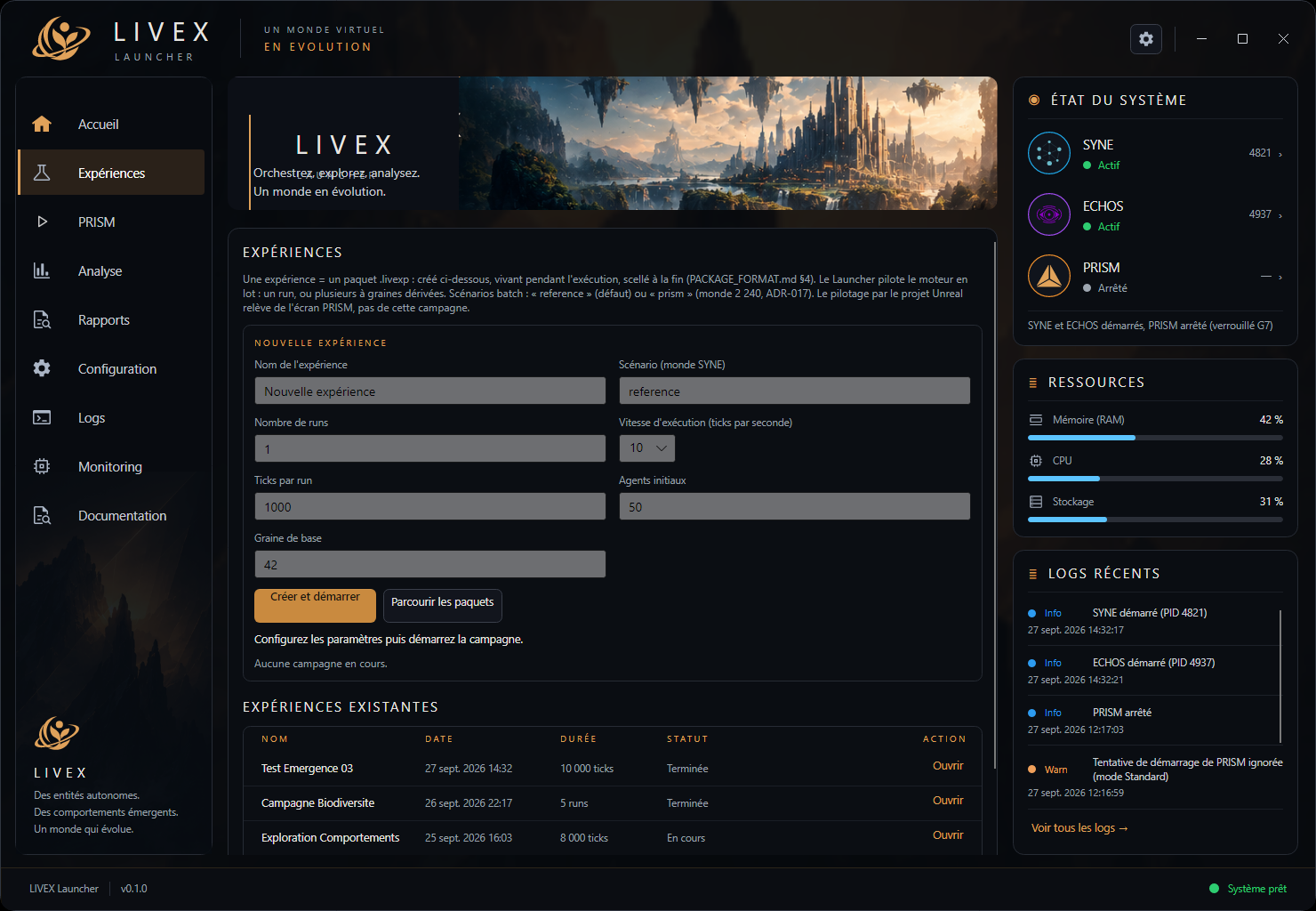
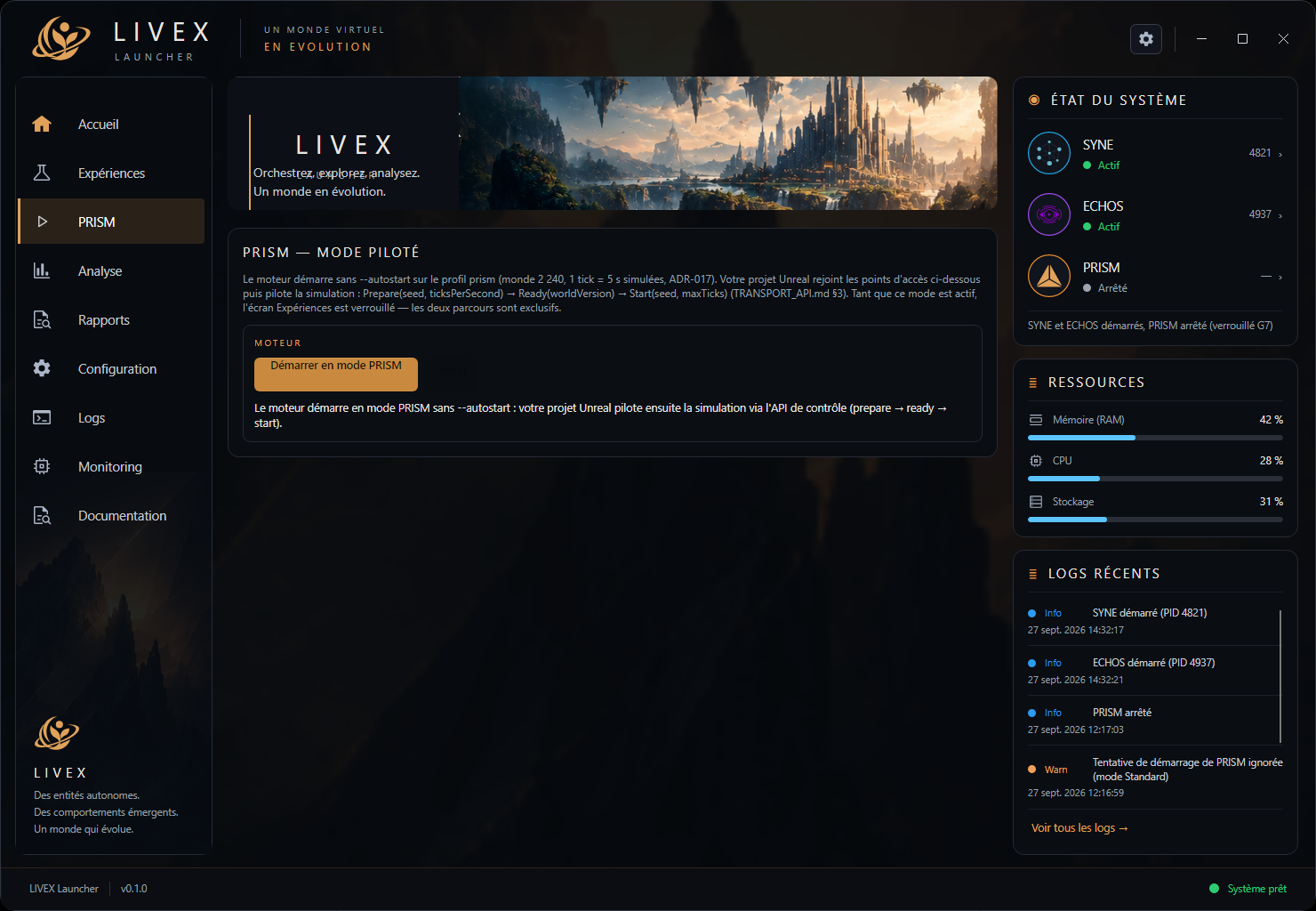
These visuals reflect a work-in-progress version from the repository, not a published public version. Milestone status is recorded in the roadmap.
Windows and Linux, locally.
| Element | Value |
|---|---|
| Usage | Native desktop application (not a web interface) |
| Technology | .NET (C#), MVVM architecture, cross-platform Avalonia UI |
| V0.2 platforms | Windows and Linux |
| Installer | At specification stage — not delivered |
Planned launch from terminal:
livex-launcher            # open workspace
livex-launcher --check    # check environment, no UI
livex-launcher --package <path.livexp>   # open a campaign
Until a release exists, installation and startup from source are described in theinstallation guide.